How To · 6 min read · Oct 16, 2026
Video Script Writing Techniques for Brands That Need Clarity Fast
Write short branded video scripts that stay clear on screen, fit the edit and keep the message moving. Practical guidance for explainers, social clips and product videos.
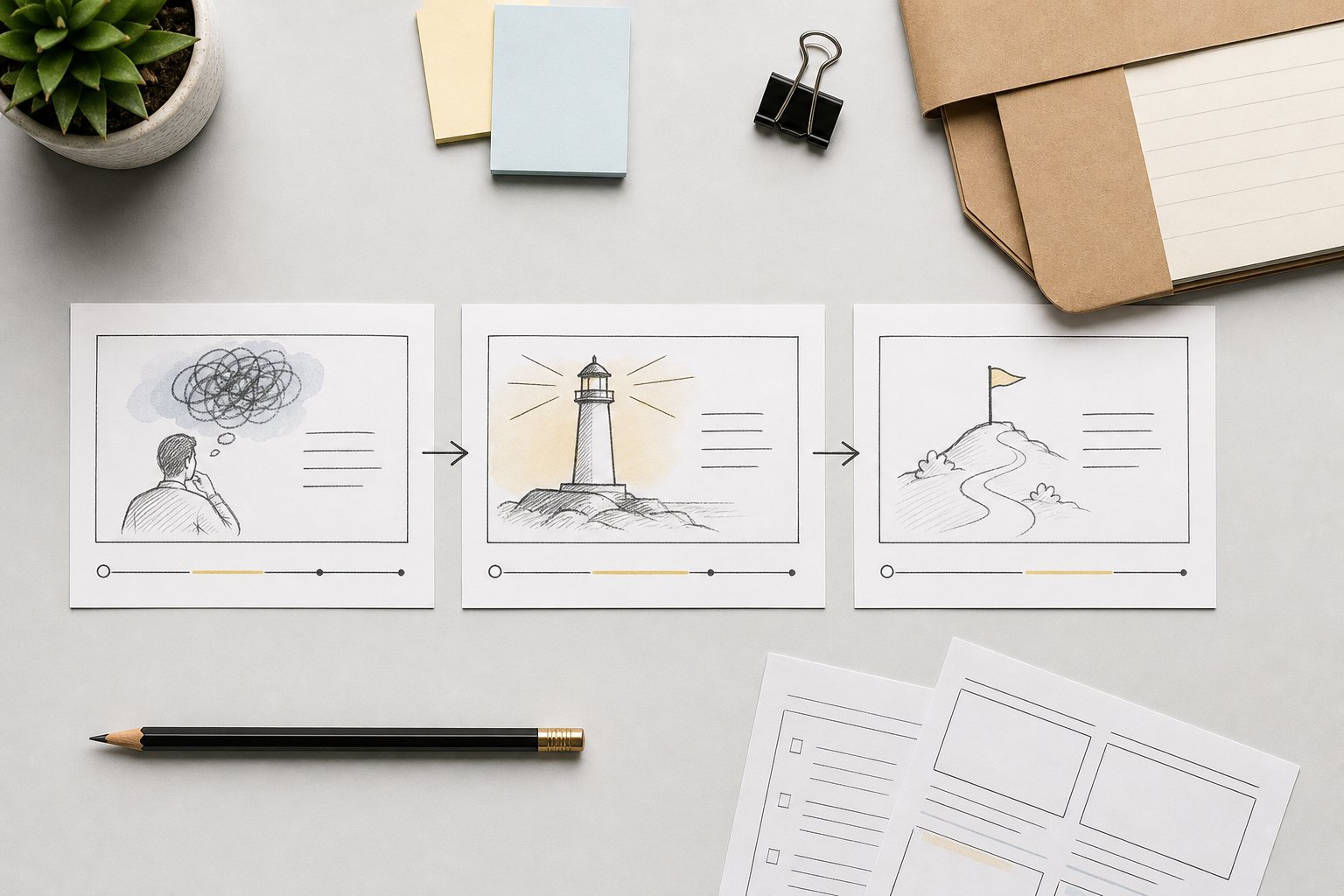
When a brand video has to do its job quickly, the script cannot behave like a blog post. It has to carry one clear message, leave space for visuals, and sound natural when spoken aloud. If the words try to do too much, the video slows down before the viewer has time to understand why it matters.
What a video script needs to do that written content does not
A script is not simply a shorter version of an article. It is a working document for timing, pacing and image planning. Every line has to earn its place because the viewer is hearing it once, often while also processing movement, on-screen text or product shots.
That changes the writing job. In written content, a paragraph can develop one point gradually. In a video script, the same idea may need to be split between narration and what appears on screen. The script should make that division obvious. If the visual can show the setting, the product, the workflow or the result, the line should not repeat it.
For brands, the key question is not “what else should we say?” It is “what does the viewer need the words to do here?” In most short videos, the answer is to name the problem, frame the value, and move on before attention drops.
How to write for time, pace and spoken rhythm
Write the script as if someone has to say it out loud without tripping over the sentence. That usually means shorter sentences, fewer clauses and fewer abstract nouns. A line that looks polished on the page can still sound crowded when spoken.
A practical test is to read the script at normal speed and listen for three things:
- whether the sentence can be spoken in one breath without rushing
- whether the line lands on a concrete idea rather than a general statement
- whether the viewer has enough time to absorb the visual before the next point arrives
Pace is not only about word count. It is about spacing. A 20-second product clip may need a brisk opening, a clear middle beat and a direct close. A 60-second explainer can give each beat more room, but it still needs forward movement. If every line explains, the script loses speed. If every line announces, it loses texture.
Spoken rhythm also favours familiar wording. Brands often over-write scripts because they want to sound considered. In practice, clarity usually comes from ordinary language used precisely. The best line is often the one a presenter can say smoothly and a customer can understand immediately.
How to build a simple script structure that holds attention
A short branded video usually works better when the script follows a clean sequence rather than trying to sound clever. One useful structure is:
- Open with the viewer’s problem or the reason to watch.
- State the core message in plain language.
- Show the proof, process or product use.
- Close with the action or next step.
That sequence matters because it matches how people process short video. They need orientation first, then meaning, then evidence or demonstration. If the script starts with brand background, the viewer has to wait too long to find the point.
Here the structure should be simple enough to map onto visuals. For example, a product demo may open with a pain point on screen, move to a close-up of the product in use, then end with the outcome. An explainer may start with the problem, then use motion graphics or captions to unpack the mechanism. The script should not force every detail into narration if the visual can carry part of the story.
A simple structure also helps internal review. Teams can see quickly whether the script has a clear hook, a useful middle and a reason to end. That makes approvals faster and reduces the chance of last-minute rewrites that only add more words.
How to reduce clutter without losing meaning
Most weak scripts are not wrong, just overloaded. They repeat the same idea in three slightly different ways, or stack modifiers until the line stops moving. The fix is not to make the copy bare. It is to decide which part of the message belongs in the script and which part belongs in the image, caption or edit.
A good place to start is by cutting duplicate explanations. If the line says the product is fast, reliable and easy to use, ask which of those points the video actually needs to prove. The script may only need one claim, while the visual shows the outcome or the workflow. Repetition only helps if it adds emphasis. Otherwise it slows the viewer down.
It also helps to remove internal language that sounds fine in a deck but weakens speech. Long qualifier chains, bundled benefits and jargon-heavy phrases make narration heavier than it needs to be. If a line needs too much unpacking, it is probably carrying more than one job.
The clearest scripts usually make one decision at a time:
- keep the claim that matters most
- remove the extra version of the same claim
- let the visual do part of the explanation
- keep the next line moving
That approach preserves meaning while trimming noise. It also keeps the script focused on the viewer, not on the brand trying to say everything at once.
How to check whether the script fits the format before production
A script can be well written and still be wrong for the format. A social clip, a product launch video and a longer explainer do not tolerate the same pace or amount of explanation. Before locking the script, check whether the intended use still matches the way the words behave.
A quick review can cover four points. First, is the core message obvious in the opening? If not, the hook may be too slow. Second, does the script leave room for the visual to carry some of the load? If every detail is spoken, the edit may feel crowded. Third, does the wording suit the actual length? A 30-second cut and a 2-minute cut need different levels of compression. Fourth, does the close match the purpose of the video? A product demo may need a next step, while a social clip may need a sharper final line.
This is also where teams should check for format drift. A script written for an explainer can easily become too explanatory for a paid social cut. A script written for social can become too thin for a product video that needs a little more context. Matching the script to the format is what keeps the final piece useful rather than merely concise.
The clearest scripts make room for the edit
Good branded video scripts are not defined by how much they say. They are defined by how well they support what the viewer sees. The best writing gives the edit room to move, keeps the message obvious, and avoids forcing the narration to do every job at once.
For teams producing explainers, social clips or product videos, that usually means writing with structure first, then trimming until each line has a clear purpose. If your scripts are sounding dense at the page stage, the fix is usually better context, better structure and sharper editorial judgement before production starts.
Was this article helpful?