How To · 8 min read · Oct 17, 2026
How to Write Onboarding Emails That Help New Customers Get Started
Write onboarding emails that reduce confusion, guide the next step and help new customers reach value faster with clear, supportive copy.
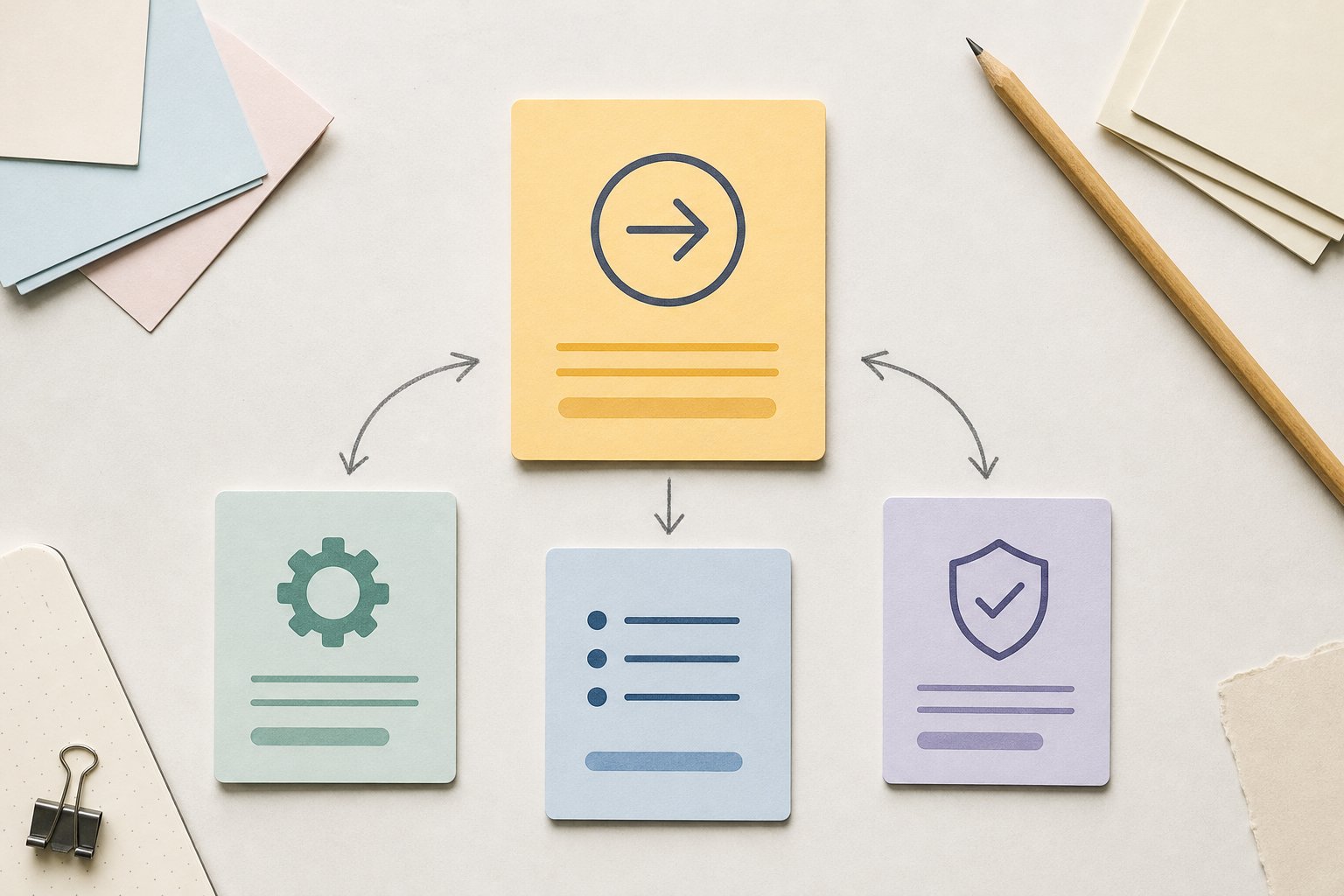
When a new customer opens your first onboarding email, they are usually not asking for more information. They are trying to work out what to do next, how much effort it will take, and whether they are already behind. Good onboarding copy removes that uncertainty fast.
That makes the job of the email sequence very specific. Each message should point to one useful action, explain why it matters, and give enough context to make the next step feel manageable. If the email tries to cover every feature or every possible use case, it usually creates more hesitation, not less.
For lifecycle marketers, customer success teams and copywriters, the practical challenge is not writing more. It is deciding what to leave out so the customer can move.
What onboarding emails actually need to achieve
A useful onboarding sequence does three things.
First, it helps the customer complete the next step without having to interpret the product on their own. That might be setting up a profile, connecting a tool, inviting a teammate or finishing a first task.
Second, it reduces the gap between sign-up and value. The sooner the customer reaches a clear outcome, the less the email has to do to keep them engaged.
Third, it sets a calm tone. New customers do not need urgency by default. They need confidence that the process is under control and that the sequence is there to support them, not pressure them.
That is why “welcome” alone is not enough. A welcome email can feel friendly, but if it does not help the customer progress, it does not earn its place in the sequence.
How do you decide what to say in each message?
Start with the customer journey, then assign one job to each email.
A good way to do that is to map the sequence around the actions a new user must take in order. For example:
- Email 1: confirm what happens next and set the first task
- Email 2: help with setup or connection
- Email 3: show how to use the product for the first time
- Email 4: support adoption with a useful tip, example or reminder
The point of this structure is not to create a fixed template. It is to prevent each email from trying to do everything. If one message contains setup instructions, product education, feature promotion and a reassurance about support, the reader has to work too hard to find the next action.
A stronger approach is to ask: what single step would move this customer forward now, and what context do they need to do it with confidence? The context might be a short explanation of why the task matters, a quick screenshot, or a brief note about what happens after they complete it. Keep that explanation close to the action, not as a separate lecture.
If the product has several activation paths, choose one sequence for each path rather than forcing one generic version to cover all of them. That gives you cleaner instructions and fewer conflicting cues.
How should subject lines and openings set expectations?
Subject lines should help the customer recognise the purpose of the email before they open it. That means being specific about the action, not clever about the wording.
A subject line such as “Set up your workspace” is usually more useful than something vague like “Let’s get started”. The first gives a clear expectation. The second asks the reader to do the interpretive work.
The opening paragraph should immediately answer three questions: where am I in the process, what do I need to do, and why does it matter? You do not need to answer them with long explanations. One or two short sentences are often enough if they are precise.
For example, if the customer has just signed up, you might open with a line that confirms the next step and the reason for it: complete setup now so the product can start doing the work it was chosen for. That is more useful than a warm introduction that delays the actual instruction.
The tone matters here as well. Onboarding openings work best when they feel calm and organised. A message that sounds overexcited or overly promotional can make the sequence feel like marketing rather than support.
What makes the steps easy to follow?
Instructions become easier to act on when they are written as a sequence of small decisions, not one dense block of guidance.
Use short sentences and order the steps in the same sequence the customer will perform them. If a step requires a choice, name the choice. If a step has a result, name the result. That reduces the need for the customer to infer what success looks like.
For example, instead of writing: Set up your account, explore the dashboard, and start using the platform to get the best results.
Break the process into distinct actions:
- Complete your profile.
- Connect the account or tool you use most.
- Open the first task or template.
- Review the outcome.
The second version is easier to scan and easier to complete because each step has one job. It also makes it simpler to add support material where it belongs, such as a short note beneath the step, a link to a help article, or a brief reason the step is worth doing.
A useful rule is to keep the instructional part of the email as close to operational as possible. Avoid wrapping every step in general benefits language. Customers do not need to be convinced that setup matters if the value is obvious from the task itself. They need to know exactly what to do next.
When should you explain the why, and when should you leave it out?
Context is useful, but only when it helps the customer act.
Explain why a step matters when the reason is not obvious. For example, if a setup step unlocks a feature, improves accuracy or prevents a later problem, a short explanation helps the customer see why they should spend time on it now. That is practical context, not padding.
Leave the why out when it is already clear. If the email starts to explain every instruction, the message can become slower to read and less usable. New customers usually need less theory and more direction.
This is where many onboarding emails lose effectiveness. They try to sound helpful by overexplaining, but the customer experiences that as delay. A cleaner version gives one sentence of context, then moves straight to the task.
If you need to decide whether a detail belongs in the email, ask whether it helps the customer complete the action today. If it does not change the next move, it probably belongs in a help centre article, a tooltip or a later message.
How do you know if the sequence is actually useful?
Measure the sequence against behaviour, not just opens.
An onboarding email is useful if it helps more customers take the next step with less friction. That means looking at whether recipients click through, complete setup, reach the first key action and continue into the product or service with less drop-off.
Open rates can still be useful for spotting subject line issues, but they do not tell you whether the message helped someone get started. A high open rate with weak completion usually means the email is attractive enough to be read but not clear enough to be acted on.
You can review the sequence by asking a few simple questions:
- Does each email push one clear next action?
- Can a new customer understand the instruction without extra context?
- Is there anything in the message that delays the action?
- Does the sequence change after the customer has already completed the step?
That last question matters more than it first appears. A common problem in onboarding is sending a reminder after the customer has already moved on. That creates noise and weakens trust. Good sequencing follows the customer’s progress rather than forcing a fixed schedule onto every account.
Useful structure for an onboarding email sequence
| Part of the email | What it should do | What to avoid |
|---|---|---|
| Subject line | Name the action or stage | Vague welcome copy |
| Opening | Confirm where the customer is and what comes next | Long brand introductions |
| Main instruction | Show one clear step | Multiple competing tasks |
| Context | Explain why the step matters when needed | Overexplaining obvious actions |
| Close | Point to support or the next message | Hard selling or extra unrelated links |
Use this as a decision aid, not a formula. Some sequences will need more support in the first email and less later on. Others will need one message focused entirely on setup, with the rest reserved for adoption tips or reminders.
Better onboarding copy starts with the next action
If the sequence is clear, specific and paced around the customer’s actual progress, it does not need to do much else. The best onboarding emails reduce hesitation by making the next step obvious and manageable.
That is also where strong content structure matters. Teams often know what they want customers to do, but the message becomes less useful when that intent is buried under too much explanation. Better business content starts with better context, and in onboarding emails that means giving just enough information to move the customer forward.
For teams that need scalable, on-brand content across lifecycle touchpoints, the goal is the same: keep the structure tight, keep the guidance useful and keep the brand knowledge visible without adding noise. A short, well-judged sequence usually does more than a longer one.
Was this article helpful?